






 Schematic
 Layout
 Back
Load Project
Back
Load Project
Back
 New Folder
Edit Text
Component Settings
Multi-Unit Symbol Settings
Introduction To Circuit Canvas
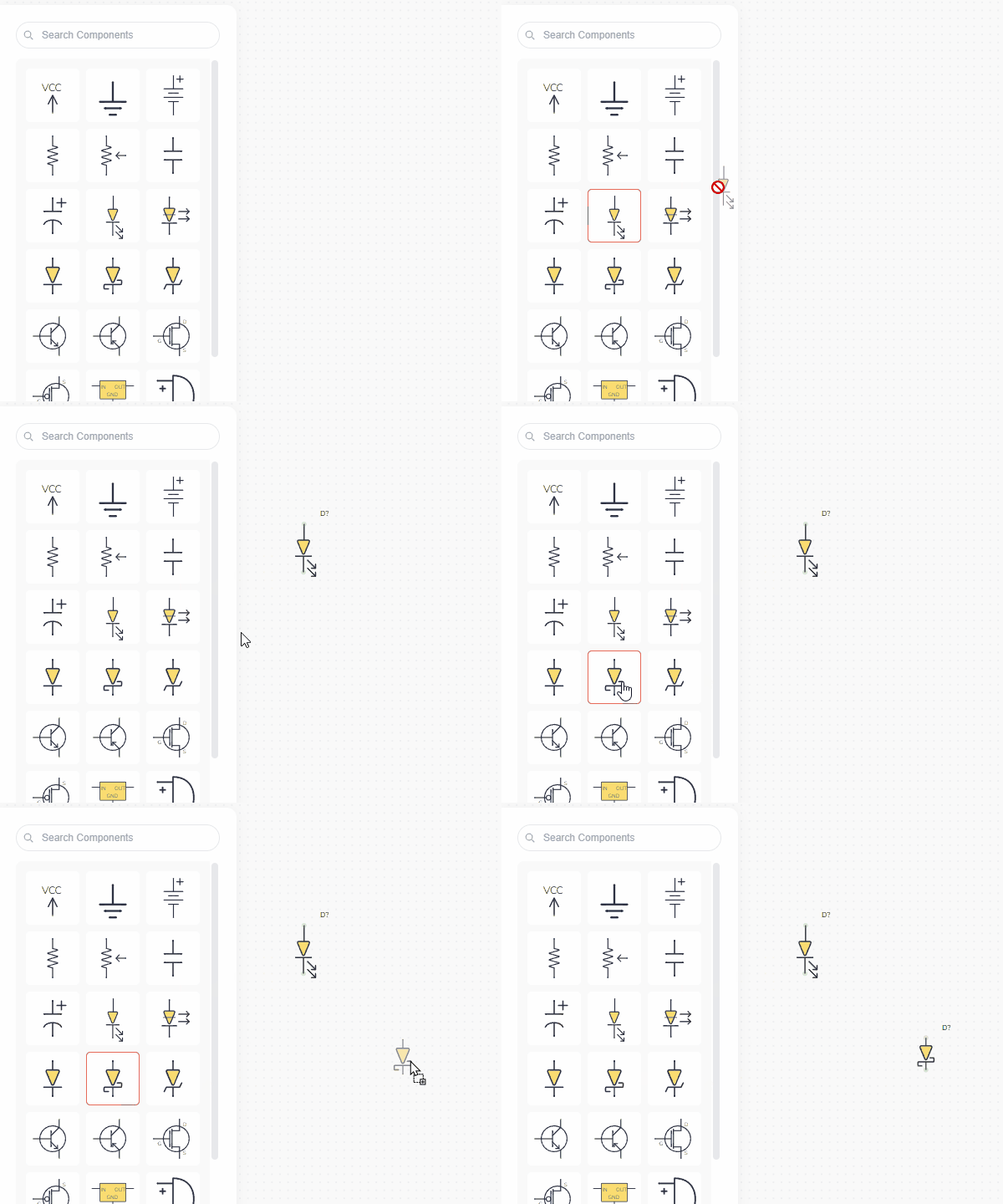
To add a component from the library, click or drag it onto the canvas.
Info
This is the main content
Import
Import a design that was exported from Circuit Canvas (as SVG) to add all of its components to your project. You can also import your own custom components or Fritzing parts (layout only).
Drag and drop the file you want to import into the canvas, or choose a file below:
Edit Details
Verify Connections
Confirm Unlink
Are you sure you want to unlink the canvases?
This will break the connection between schematic and layout parts. You will no longer be able to sync changes between the two canvases.
Re-link Canvases
This will re-enable canvas synchronization. Parts with matching references on both canvases will be kept in sync going forward.
Parts that only exist on one canvas will stay unlinked.
Export Image
Create Folder

Delete Modal
text
Move Project
Copy Project
Unfortunately, the app is not yet available for smaller displays.
 Rename
 Delete
 Move
Move